For Texicare Members

Healthcare at your rhythm. Payment at your pace.

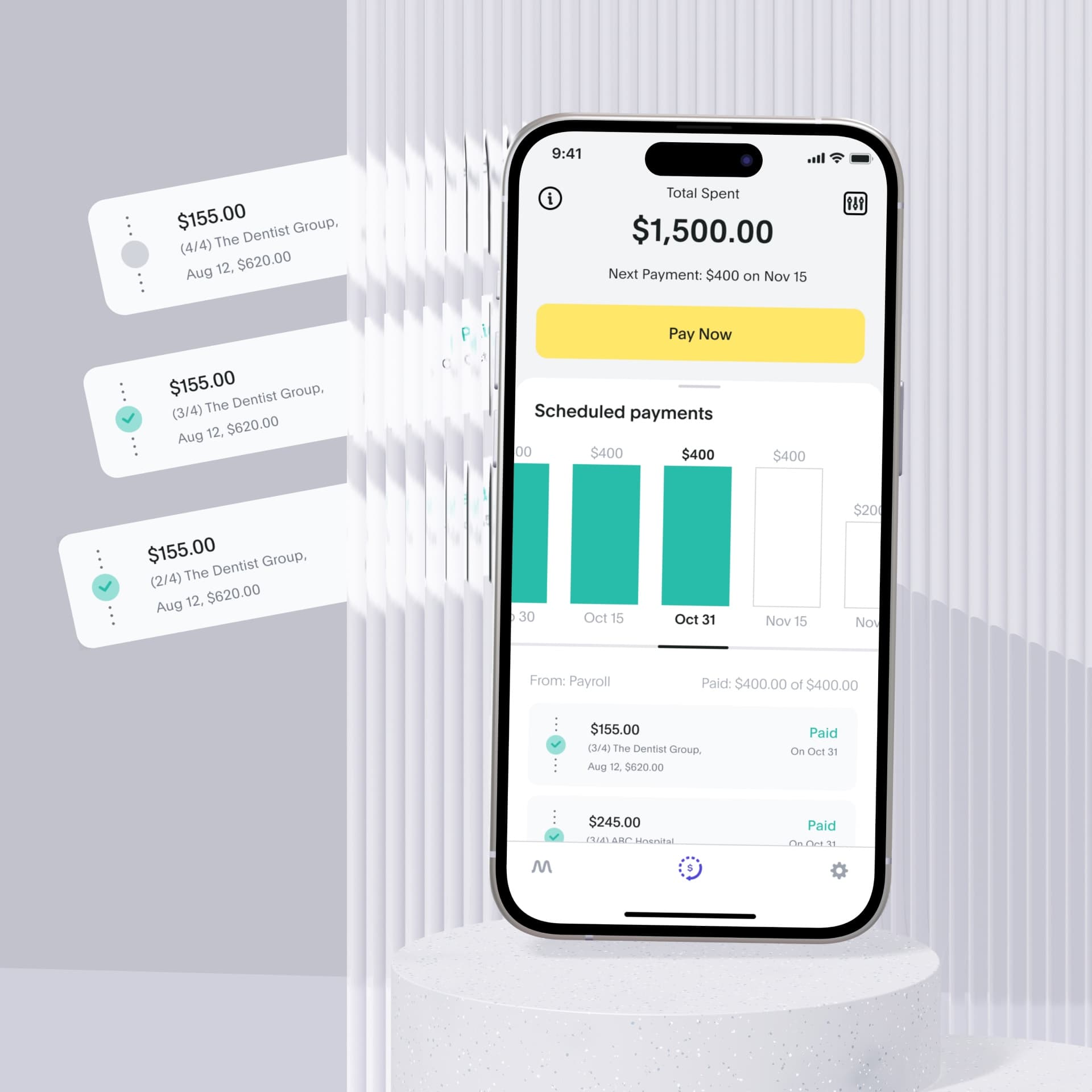
Your Texicare health plan includes access to TempoPay. This is a flexible way to pay for healthcare expenses over time with no interest charges and no fees.

Texicare Logo StarburstTexicare Product Screen

What is TempoPay?

TempoPay is a healthcare payment benefit available to you through Texicare.

What you get

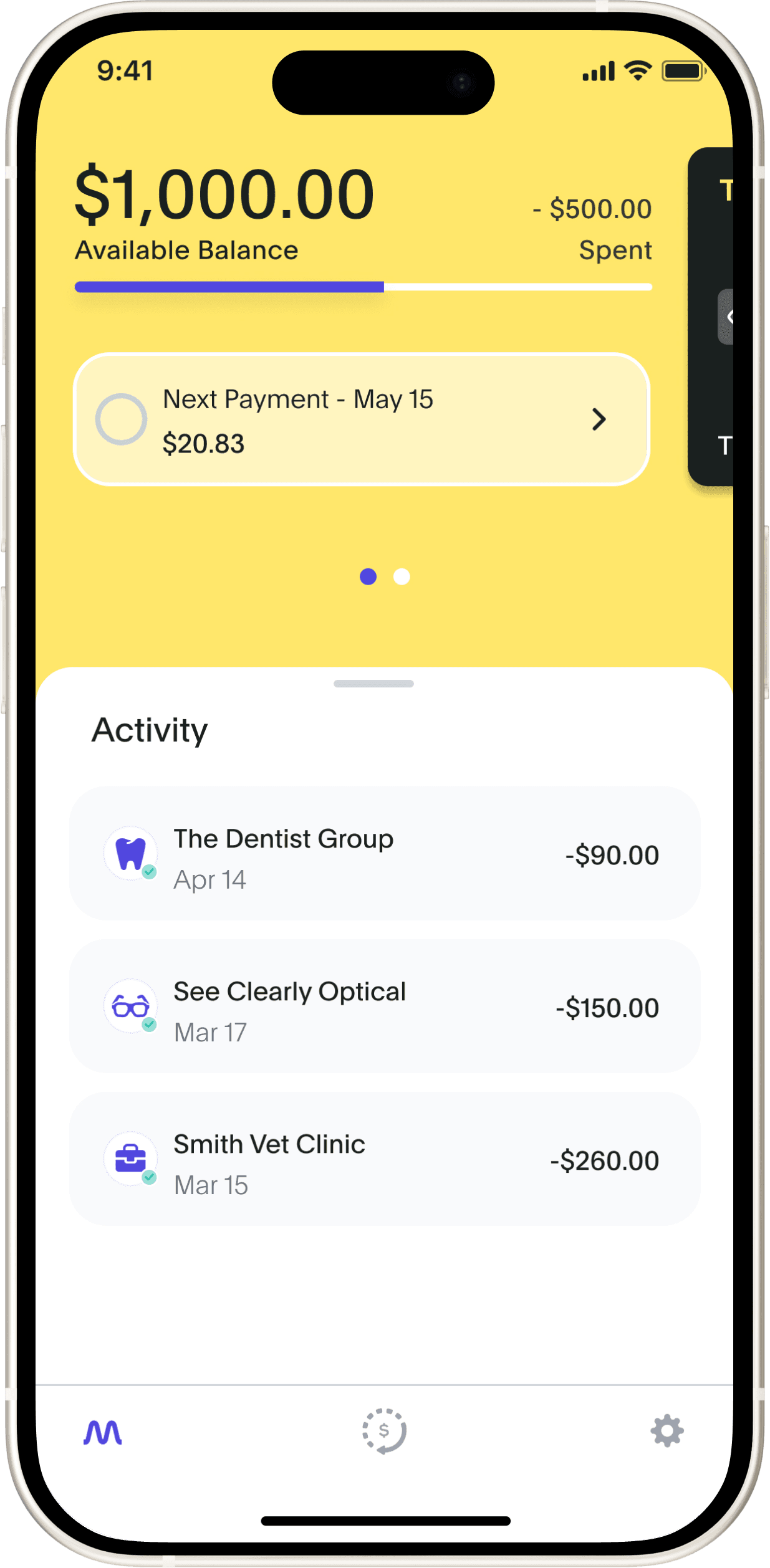
The TempoPay program through Texicare gives subscribers access to a spending account for eligible healthcare expenses. Instead of paying everything all at once, you repay over time through automatic bank account deductions.

No interest charges, no fees, no credit check. Just a simpler way to manage healthcare costs.

Texicare Logo

What you can use TempoPay for

As a Texicare member, your TempoPay Visa® card will work at merchants and providers for:

  • Medical care

  • Pharmacy and medications

  • Dental care

  • Vision care and materials

  • Medical equipment

  • Specialist visits

  • Physical therapy

  • Behavioral Health care

Healthy Teeth

Pet care is included

Your TempoPay Visa® card also works for veterinary care, so the whole family can stay healthy!

Golden at Vet

Why people choose TempoPay

Healthcare costs don't always happen when it's convenient. TempoPay helps you:

  • Get care without waiting

  • Avoid large, one-time payments

  • Spread costs into manageable, interest-free payments

  • Protect your monthly budget

Healthy Family

How it works

  1. Download the app and complete the sign up process

  2. Get access to $1,500 in revolving funds

  3. Request a physical Visa card if you need one

  4. Add your digital Visa card to your mobile wallet

  5. Use your TempoPay Visa card for eligible purchases

  6. Repay automatically through your bank account

home_card_stack_02

Ready for a smarter way to pay for care?

Texicare subscribers can get started by clicking the button below.

card_black_horizontalmobile_welcome_screen_first_vertical
message_question

Still have questions?

Can’t find the answer you’re looking for? Visit our Help Center to learn more.

Go to Help Center